Create AI fashion videos from your product photos
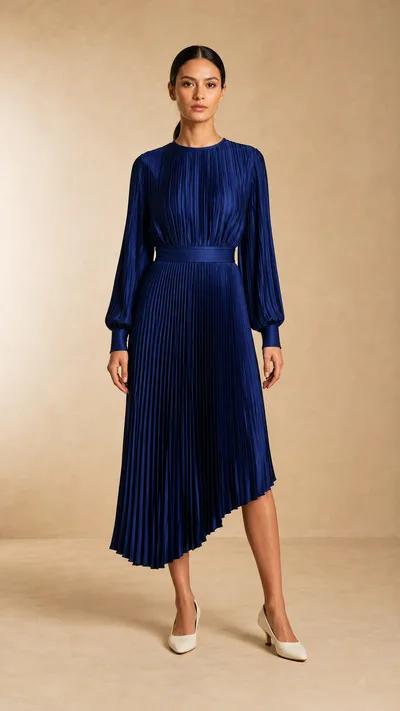 On-model photo
Start with the clothing, then add motion
Use AI Fashion Models to create an on-model photo from your clothing image. Select the result and open AI Video to animate it. Already have a model photo? Go straight to video.
Your clothing photo
Start with a flatlay or ghost mannequin shot of your item.
An on-model photo
Use AI Fashion Models to create the person, outfit, and scene you want.
A video from that photo
Open AI Video, describe the movement, and generate your clip.
Choose a walk, fit check, or fabric close-up
Describe one movement. Claid's Prompt Assistant adds the detailed direction, with guidance to keep the garment's color, pattern, fit, and length close to the starting image.
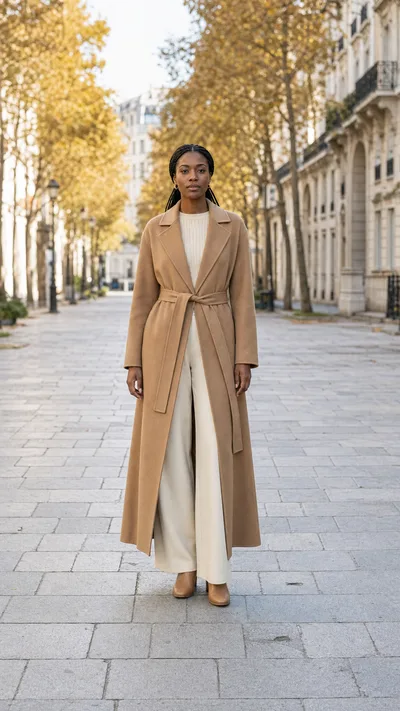 Starting photo
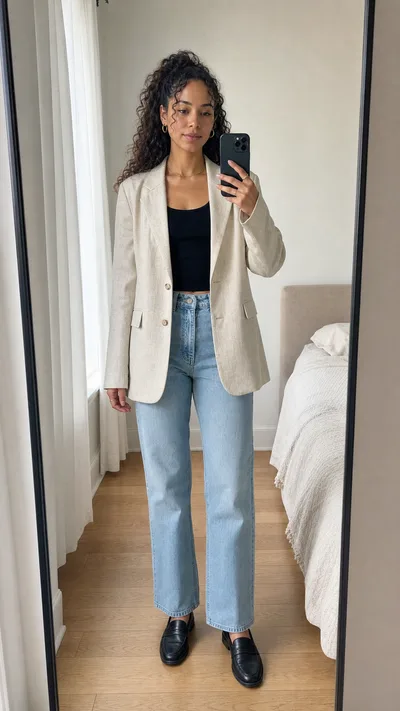 Starting photo
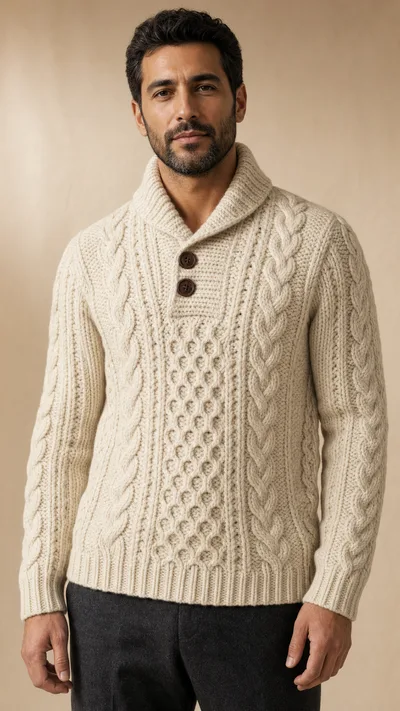 Starting photo
Give your fashion video a line to say
FASHION TALKING VIDEOS
Show the outfit while the model speaks
Start with a photo of the person wearing the outfit, add a short line, and generate a UGC-style talking clip. Claid creates the voice and lip-sync with the video.
Explore UGC-style talking videos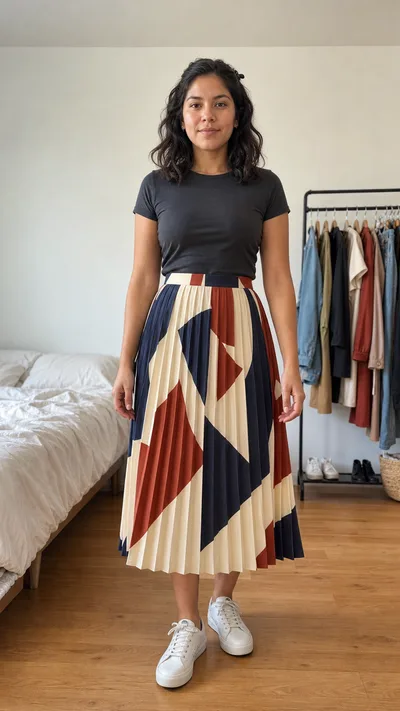 Starting photo
Okay, the photos did not show this part. Watch the skirt when I turn.AI-generated fashion clip. The person and outfit are already in the starting photo.Keep the shot simple
Slow, controlled movements work best. Check the garment, hands, and spoken line before publishing, and try another take when needed. Videos generate at 720p. A five-second video costs 60 credits; image generation is a separate operation.
Need fashion videos across your catalog?
Add video generation to your workflow through the Claid API, or work with our team on a custom production pipeline.
Frequently asked questions
Can I start with a flatlay or ghost mannequin photo?
Yes. First create an on-model image with AI Fashion Models, then animate that result with AI Video. You can also upload a suitable photo that already shows the outfit on a person.
Can I animate a photo of my own model?
Yes. Use an image that shows the person and outfit you want in the clip, with enough room for the movement.
Can the model speak?
Yes. Add a short line and a tone of voice. Claid generates the speech and lip-sync with the video. Review the result before using it.
Does the video step put new clothes on a person?
The video step animates the outfit already shown in the image. Create the desired on-model photo first.
What does video generation cost?
A five-second video costs 60 credits. Creating a source image is charged separately.
What output should I expect?
Short MP4 clips at 720p. Slow walks, small turns and simple fit checks are a better starting point than fast spins or complex choreography.
Put your collection in motion
Animate an on-model photo, or create one from your clothing first.Create a fashion videoYou already have an on-model photo.Start from a clothing photoYou only have the garment shot. Create the model photo first.